
Toronto Parking Authority (TPA) is leading the expansion of EV charging stations across Toronto. Learn more about the program and find a charger near you.
Toronto is going electric! TPA is proud to play a leadership role in delivering EV charging services to customers and accelerating the adoption of EV vehicles. This important work also supports the City’s Electrical Vehicle (EV) Strategy, established in 2020 to support the TransformTO Net Zero initiative.
As the largest municipally-owned commercial parking operator in North America, TPA has a tremendous opportunity to become a catalyst for electrification for the City of Toronto by leveraging its off- and on-street parking portfolio to drive EV adoption.
In 2021 TPA developed and advanced an EV Charging Infrastructure Program that supports:
With the help of technology partners, we’ve already started expanding the city’s EV charging capabilities at a growing number of Green P locations.
Our EV Charging goals are part of the City’s TransformTO Net Zero Strategy to reduce community-wide greenhouse gas (GHG) emissions in Toronto to net zero by 2040.
Keep an eye on this page as we continue expanding our EV network!
| Car Park # | Address | Facility Type | Quantity of Chargers |
|---|---|---|---|
| 1 | 20 Charles Street East | Garage | 1 |
| 19 | 385 Pacific Avenue | Surface | 2 |
| 26 | 37 Queen Street East | Garage | 4 |
| 29 | 75 Holly Street | Garage | 1 |
| 36 | 110 Queen Street West (Nathan Phillips Square Garage) | Garage | 3 |
| 41 | 7 Norton Avenue | Surface | 1 |
| 43 | 2 Church Street (St. Lawrence Garage) | Garage | 3 |
| 44 | 14 Fuller Avenue | Surface | 1 |
| 53 | 803 Richmond Street West | Surface | 1 |
| 78 | 35 Erindale Avenue | Surface | 6 |
| 82 | 9 Emerson Ave. | Surface | 2 |
| 91 | 265 Armadale Avenue | Surface | 1 |
| 93 | 675 Manning Avenue | Surface | 1 |
| 107 | 251 MacPherson Avenue | Surface | 1 |
| 130 | 7 Bartlett Avenue | Surface | 1 |
| 143 | 265 Willard Avenue | Surface | 1 |
| 215 | 74 Yorkville Avenue | Garage | 1 |
| 261 | 45 Abell Street | Garage | 4 |
| 404 | 95 Beecroft Road | Garage | 2 |
| 504 | 9 Willingdon Blvd. | Surface | 2 |
| 532 | 14 Barkwin Dr. | Surface | 1 |
| 533 | 2300 Lake shore Boulevard West | Surface | 1 |
| 650 | 16 John Street | Surface | 1 |
| 701 | 197 Blantyre Avenue | Surface | 1 |
| Total | 24 Locations | - | 43 |
On-street charging for EVs is now available. Keep an eye on this page as we continue to expand our on-street EV network!
Level 2 Charging Stations – Now Open
In Progress
Thanks to Green P, charging your
vehicle couldn’t be easier.

Or use one of our EV partner apps.


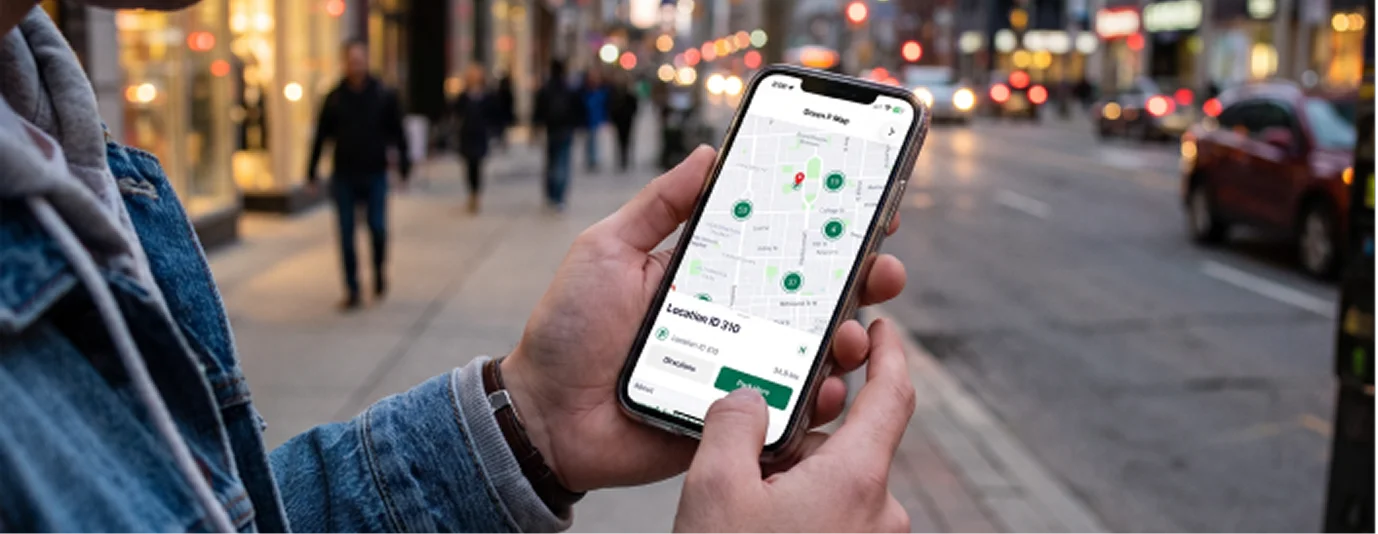
Browse on the Green P app to find a station.
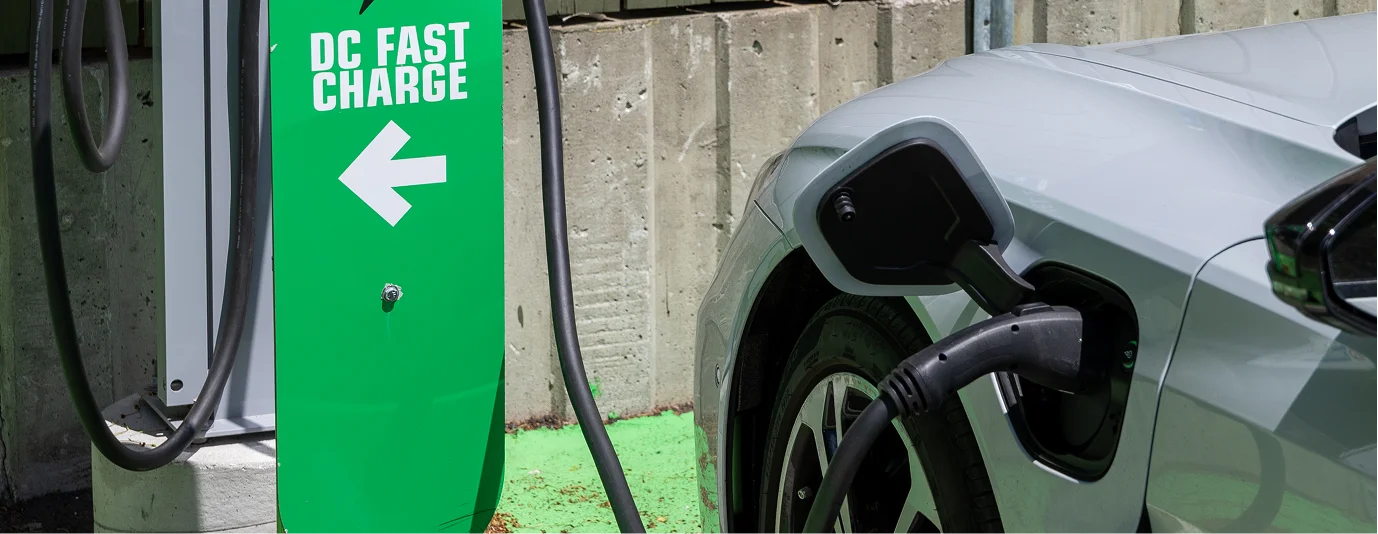
Now you can park, charge, and pay all in one app! You can manage your charging session from your app account at any time.
Once your vehicle is plugged into the station, you’ll be charged according to standard hourly charging rates.
Please note, parking fees are paid separately and your vehicle must be actively charging while parked in a designated EV spot. Any vehicles without proof of parking and EV payment will be subject to fines according to the Toronto Municipal Code’s Traffic and Parking bylaws.
$2.00 per hour
$6.00 overnight maximum (Overnight times may vary; please check the evening maximums indicated at each individual garage).
$15.00 per hour (50 kW only)
$20.00 per hour (100 kW only)
$2.00 per hour (6am–9pm)
$6.00 flat rate (9pm–6am)
Need help with an EV charging station or have questions about our EV program? Get in touch with us or one of our technology providers.
Contact the service provider you started the charging session with:
Contact the Green P EV Team:
(416) 393-7275
customerservice@greenp.com
EV Charging allows you to start and manage electric vehicle charging sessions directly through the Green P app.
From the home screen, tap EV Charging and enter a Location ID to find available chargers.
Once connected, your session will appear in the app.
It can take up to a couple of minutes for your charging session to appear after plugging in.
If you do not see a session after a few minutes, the session likely did not start and you should try again.
Yes. EV Charging requires a ChargePoint account.
When enabling EV Charging:
This account is managed by ChargePoint, a third-party provider.
Some charging sessions are delivered through ChargePoint’s network.
Connecting an account allows the app to access and start charging sessions at supported stations.
All EV charging sessions are paid using your Green P Wallet.
Your charging cost is calculated based on usage and deducted from your wallet balance after the session ends.
Yes. Auto-Reload Authorization must be enabled to use EV Charging.
Auto-Reload ensures that funds can be added automatically if your wallet balance is too low to complete a charging session.
You can manage this in Menu › Payment › Wallet
If you’re unable to start a session:
If the issue continues, try selecting a different charger or contact support.
After plugging in, wait up to a couple of minutes for the session to appear.
If it does not appear:
Once the session starts, it will appear on the home screen.
Once your session ends:
You can view details or resend a receipt from there.
EV Charging is only available on Green P app versions 9.8.0 or later.
Chargers may appear as:
Only available chargers can be selected to start a session.
Charger availability is updated in real time, but there may be short delays.
If a charger appears available but is occupied, select another charger or try again shortly.
You may not be able to start a session if:
Try selecting another available charger.
If a charger appears damaged or does not work:
You can report the issue to Green P Support.
Yes. EV spaces are intended for active charging only. Vehicles not charging may be subject to enforcement.
Parking limits are posted at each location. Always check signage to avoid a ticket.
Green P EV charging locations support multiple connector types depending on the site, including J1772, CCS, CHAdeMO, and NACS.
Check the app or station details before starting a session.
Yes. The app displays real-time charger availability so you can see which stations are free before selecting one.
Yes. You can monitor your active charging session in the app and receive updates during charging.
Yes. The app will notify you when your charging session ends.
No. Plug & Charge is not supported. Charging sessions must be started manually in the app.
Charger lights indicate status and may vary by station:
Check the station signage or app for more details.
If your session stops:
If the issue continues, contact Green P Support for assistance.
Check your session history to confirm whether a session was created.
If no session appears, contact Green P Support with your transaction details for review.
Yes. Standard parking rates may apply in addition to EV charging fees, depending on the location.
Yes. EV spaces are intended for active charging. Additional fees or enforcement may apply if you remain parked after charging is complete.