What is Gated Parking?
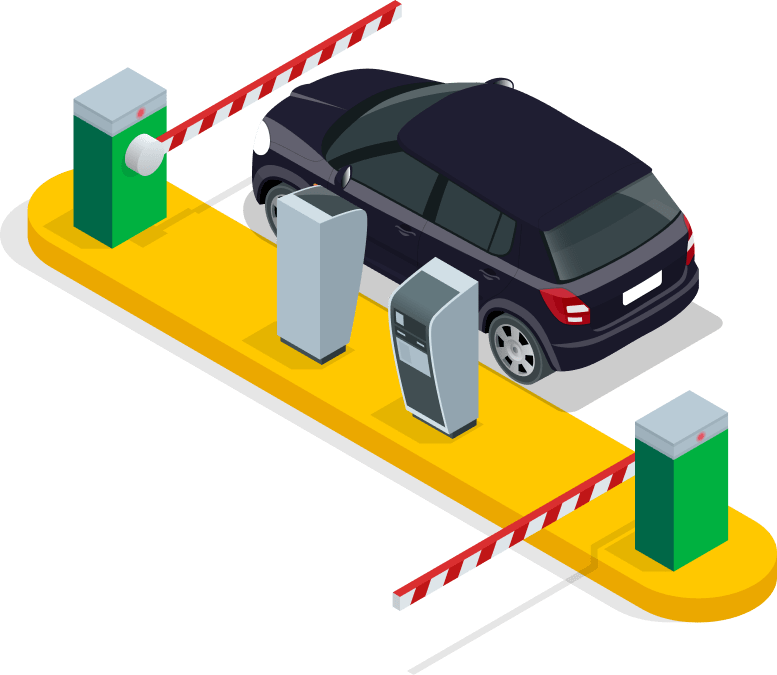
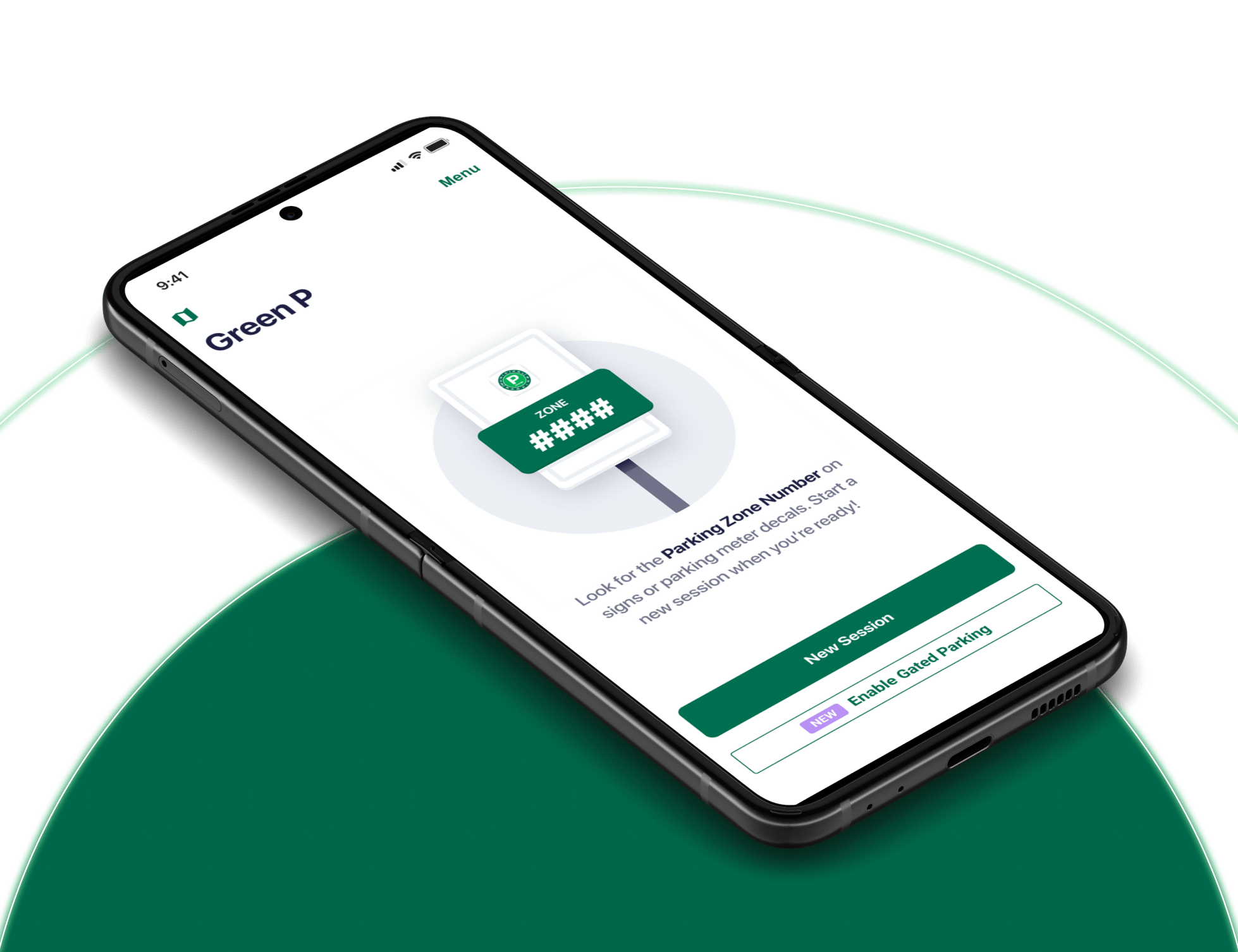
- Gated Parking allows you to pay for parking at gated facilities directly through the Green P App. Simply scan your unique QR code at the entrance and exit to start and end your parking session.
- Not all gated facilities are compatible with the Green P App. Check signage when entering the lot or garage.
- Please note that these changes are only applicable if you have downloaded the latest version of the Green P App (9.5.0).
How does my QR code work?
- Your unique QR code can be launched from the Green P App and scanned at the gate to start or end a parking session in compatible locations. Ensure you have updated the Green P App to its latest version to enable this feature.
What is the Auto-Reload Authorization setting?
- The Auto-Reload Authorization allows Green P to automatically charge your payment method on file if your wallet balance is insufficient to cover the Gated Parking fee.
- This setting must be enabled in the Green P App to enable Gated Parking. This setting can be disabled at any time.
How does Auto-Reload work?
- If your wallet balance is insufficient to cover the Gated Parking fee when you scan your QR code to exit, Green P will automatically add funds to your wallet using your preferred payment method. This ensures a smooth exit process.
- Please note that the added funds will be in multiples of your preset reload amount. For example, if your reload amount is $20 and your parking fee is $25, $40 will be added to your wallet. The remaining balance will then be available for future transactions.
Why is my QR code disabled?
- To enable the QR code, you must enable the Auto-Reload Authorization setting and have a verified payment method linked to your Green P wallet.
What should I do if my QR code fails to work at the gate?
- Entering a Gated Lot: Check signage; if the gated facility isn't compatible with the Green P App, you can use a physical ticket.
- Exiting a Gated Lot: Ensure you have an active session in the app and are using the Green P generated QR code. If your payment method fails in-app, you'll need to complete the transaction at the gate with a supported payment card.
How do I know if a parking garage is compatible with the Green P App?
- Look for signage in the gated facility that indicates compatibility with the Green P App.
What do I do with my physical ticket that was pulled from the gate?
- If you start a parking session with a physical ticket, you'll need to use that ticket to complete the transaction at the exit gate. The Green P App cannot be used to pay for sessions that started with a physical ticket.
How do I know how much my Gated Parking session will cost?
- The final parking cost will be based on the specific rates of the gated facility. Before parking, check the signage at the gate for detailed pricing information as rates vary by location.
Will I be charged additional fees for using the Green P App to pay in gated facilities?
- There are no additional fees for using Gated Parking through the Green P App.